Published on:
4 min read
By Emma Carter · Cleaning Editor
What’s the Proper Way to Clean Electronics Safely?
After trying many methods, I've found a safe way to clean electronics without causing damage. Here's what works best, from my smartphone to my TV screen.
Why Cleaning Electronics Safely Matters
I remember the first time I tried cleaning my laptop screen. I used a standard household cleaner, and before I knew it, the screen started streaking, leaving an unpleasant residue. This experience taught me the importance of using the right methods and products. In this article, I'll share how to safely clean various electronics like phones, laptops, and TVs, preventing damage while achieving that spotless finish we all love. Electronics not only represent a significant purchase, but they’re also essential in our daily lives. Keeping them clean ensures better performance and longevity, which is why knowing how to clean them properly is a skill worth mastering. As technology becomes more integrated into our lives, maintaining their condition is more crucial than ever.
How I Cleaned My Smartphone Without Damage
Smartphones are tricky because they're constantly in use and tend to get grimy quickly. I initially tried using a disinfectant wipe, but it left my screen with a hazy film. After some research and trial, I opted for a combination of a 70% isopropyl alcohol solution and a microfiber cloth. First, I sprayed the cloth lightly (never directly on the device) and gently wiped down the phone. This method not only cleaned but also sanitized my phone without leaving any residue or streaks. The whole process took about 5 minutes and cost me just a few dollars for a bottle of isopropyl alcohol that lasted months. Incorporating this method twice a week has kept my phone looking brand new, and I've noticed the screen's tactile response feels smoother. A gentle hand and patience are key during the cleaning process, avoiding vigorous rubbing that could damage the screen.
Cleaning My Laptop: Lessons Learned
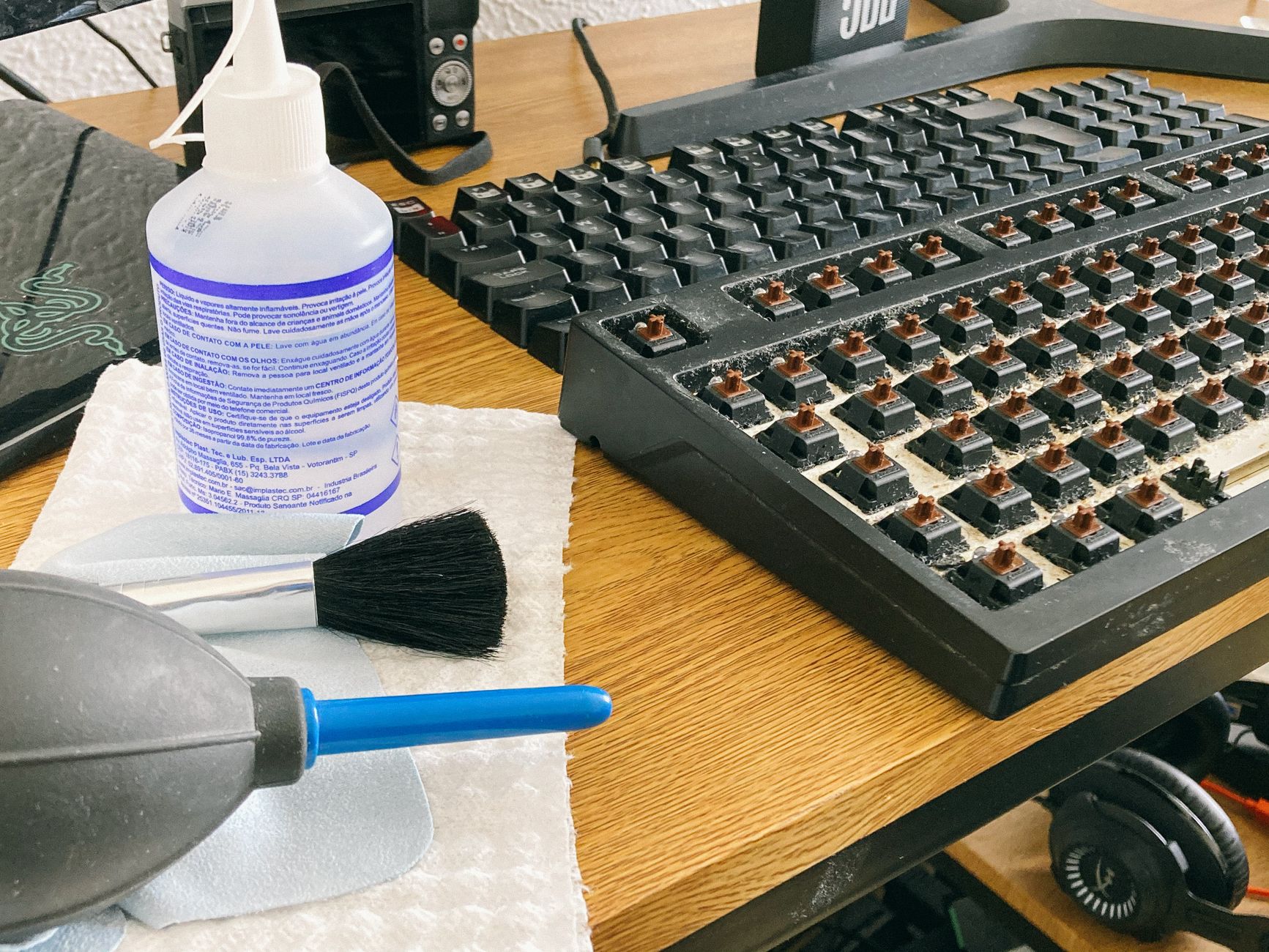
Cleaning my laptop was another challenge. The keyboard is a magnet for dirt and crumbs. Initially, I used a vacuum cleaner with a small nozzle, but it was too powerful and nearly pulled the keys off. I switched to a can of compressed air, which was the perfect solution. A short burst in between the keys dislodged debris effectively. For the screen, I stuck to the trusty microfiber cloth and distilled water mix, which takes longer to dry but ensures no streak marks. This routine now takes me about 15 minutes every two weeks. I also discovered that using a soft-bristled toothbrush can help with stubborn grime around the keys. Spending about $10 on a can of compressed air was invaluable, as it lasts for several cleanings. Additionally, I find wiping down the exterior with a slightly damp cloth helps maintain its appearance.
Comparing Methods: What Worked Best for Each Device
Each electronic device requires a unique cleaning method to avoid damage. Here's a comparison of what worked best for me:
| Device | Method | Result |
|---|---|---|
| Smartphone | 70% isopropyl alcohol with microfiber cloth | Clean, streak-free |
| Laptop | Compressed air for keyboard, distilled water for screen | Effective, no residue |
| TV Screen | Dedicated electronics cleaner with microfiber cloth | Crystal clear |
Step-by-Step Guide to Cleaning Electronics Safely
To keep your electronics in top shape, follow this step-by-step guide:
- Unplug or power down the device before cleaning.
- Use a microfiber cloth to avoid scratches.
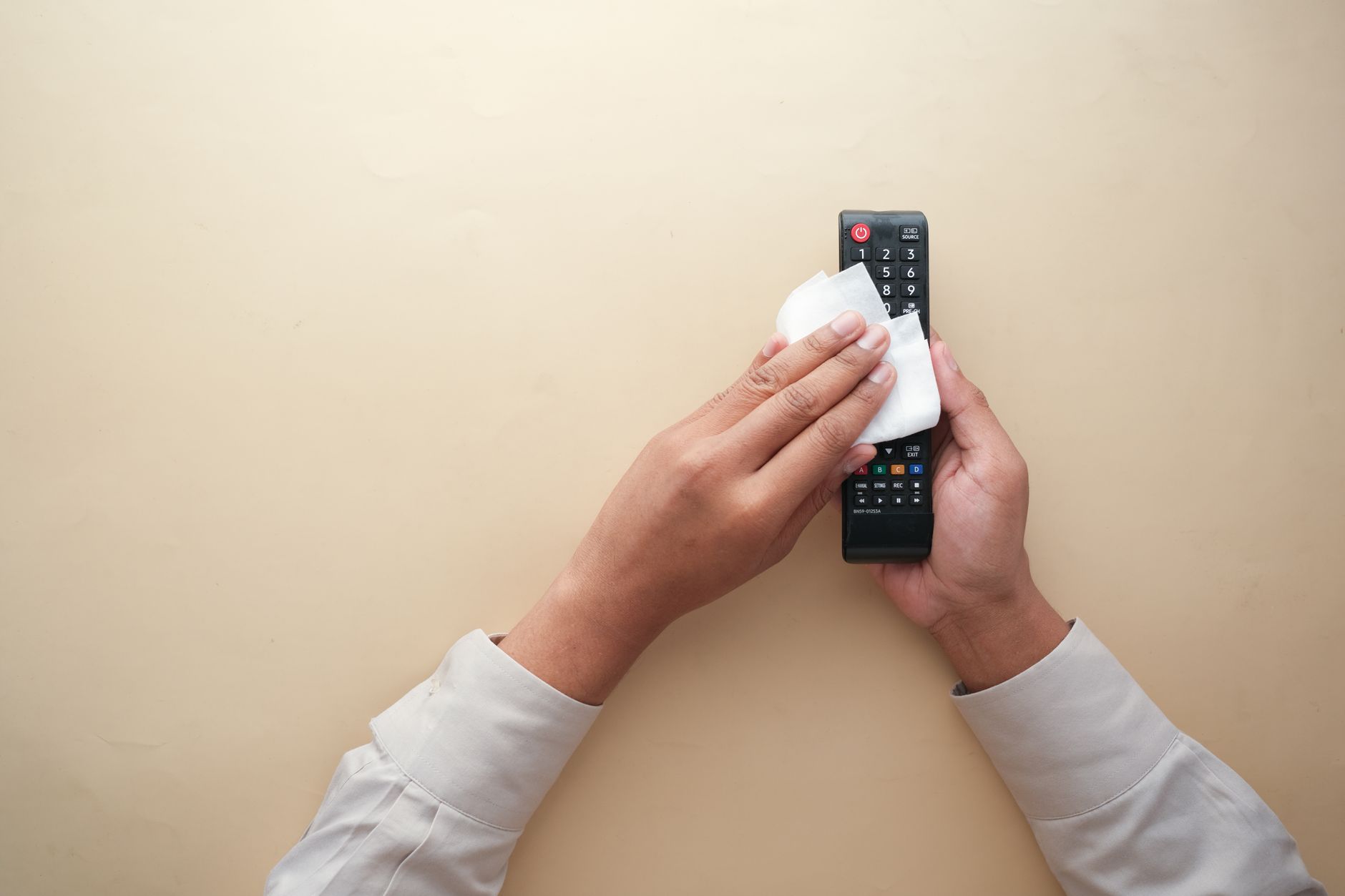
- For screens, spray cleaning solution onto the cloth instead of directly onto the device.
- For keyboards, use compressed air or a gentle microfiber cloth.
- Clean in small, circular motions to prevent streaks.
- Allow the device to dry completely before powering it back up.
- Avoid using paper towels or rough fabrics which can scratch the screen.
- Regularly clean your devices every two weeks or more frequently if they’re in heavy use.
- Use a soft-bristled brush for ports and seams to clear out trapped dust.
Q&A: Common Concerns About Cleaning Electronics
Q: Can I use vinegar to clean my electronics?
I've found vinegar to be too harsh for electronics, and it can damage coatings. Stick to isopropyl alcohol or a dedicated electronics cleaner.
Q: How often should I clean my devices?
It depends on use, but I clean my smartphone weekly and my laptop biweekly. For frequently handled devices like phones, more frequent cleaning is beneficial.
Q: What should I do if I accidentally wet my device?
Immediately turn it off, if it’s still on, and dry as much as possible with a cloth. Leave it off for at least 24 hours to dry completely. Using silica gel packets can help absorb moisture faster.
Q: Is it safe to use compressed air on all parts of my electronics?
Yes, but use it carefully. Avoid directly blowing into ports, which could push debris further inside. Always hold the can upright to avoid expelling moisture. Use short bursts for effective cleaning.
EditorialOur Take
Cleaning electronics safely is crucial to maintaining their longevity and performance. From my experiences, using the right products, such as isopropyl alcohol and microfiber cloths, can make a significant difference. I’d recommend these methods to anyone who wants their devices looking brand new without risking damage. It's worth spending a little extra time and care to avoid costly mistakes. For someone who values their electronics and uses them regularly, these cleaning tips are indispensable. However, if you're someone who rarely uses your devices or isn't particularly concerned with aesthetics, a more casual approach might suffice. Ultimately, the peace of mind from knowing your electronics are clean and protected is well worth the effort.
Published on .
Share now!

Emma Carter
Cleaning Editor
Emma Carter leads Dailynib's cleaning coverage. She spends her weekends trying different cleaning methods around her own apartment and writing up what genuinely works versus what just sounds good online. Emma is happiest when a five-minute trick replaces an hour of scrubbing. Emma uses AI tools to research, draft, and help keep these articles accurate.
More from Emma →The information on this site is of a general nature only and is not intended to address the specific circumstances of any particular individual or entity. It is not intended or implied to be a substitute for professional advice.
Get our best tips in your inbox
A short, practical email now and then. No spam, and you can unsubscribe anytime.