Published on:
5 min read
By Daniel Brooks · Organizing Contributor
Can Organizational Apps Truly Transform Your Home?
I experimented with several organizational apps to streamline my home life. Here's what worked, what didn't, and my top recommendations based on first-hand experience.
Why I Turned to Apps for Home Organization
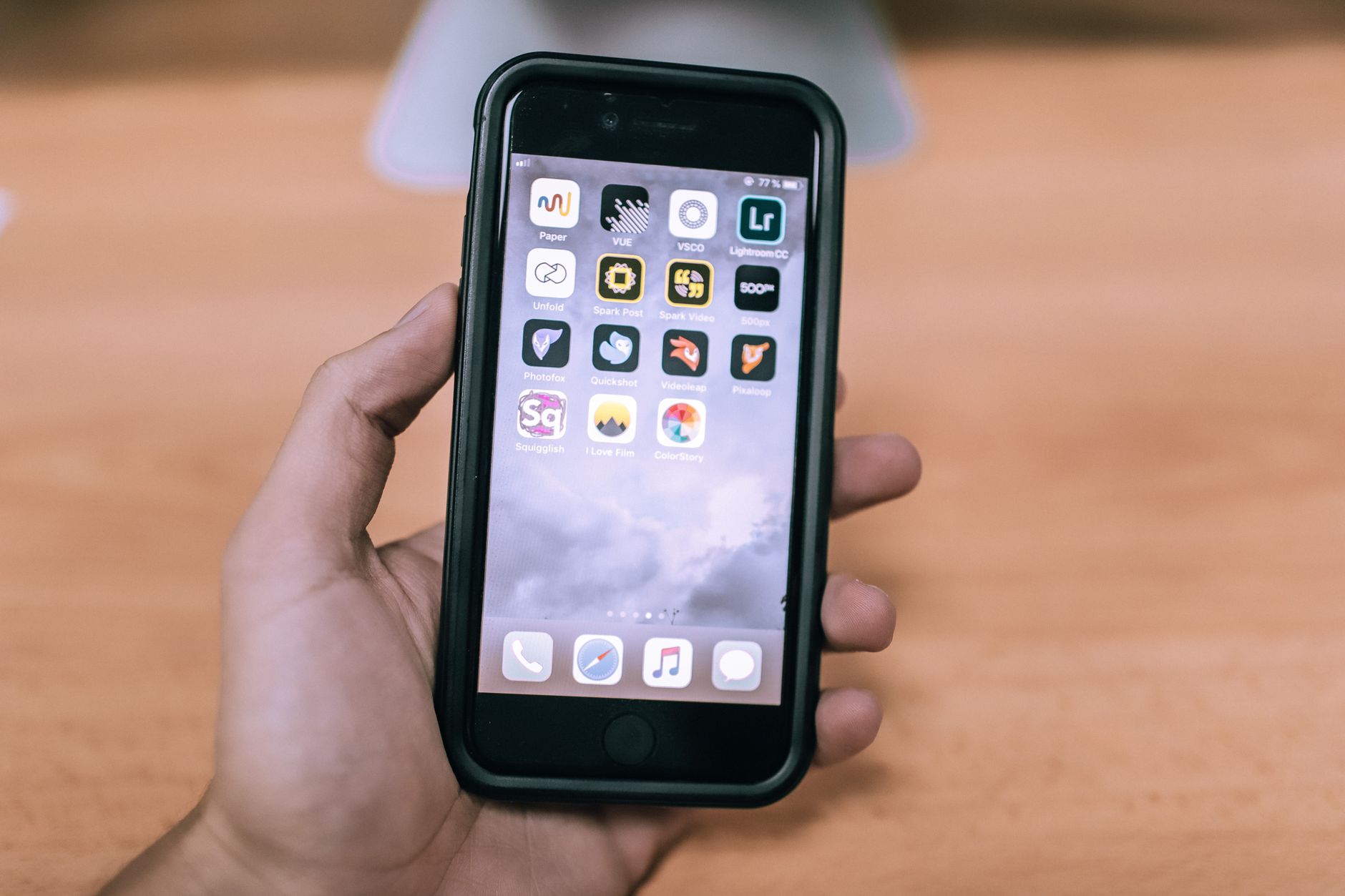
Managing a household can often feel overwhelming, especially when you're juggling work, family, and personal time. I found myself drowning in sticky notes and half-finished to-do lists that never seemed to end. To tackle this chaos, I decided to explore organizational apps to see if they could truly bring order to my home. This article delves into my journey with these digital tools, sharing what helped streamline my routines and where I stumbled.
Initially, I was skeptical about relying on apps for something as personal and tactile as home management. I'm someone who prefers writing things down, but paper clutter quickly got out of hand. The promise of digital organization was intriguing, especially if it could help consolidate my tasks and reduce the physical mess. My goal was clear: find an app or combination of apps that could help me manage daily chores, family schedules, and sometimes overwhelming to-do lists more efficiently.
Putting Apps to the Test: My Experience
I started with a broad search and soon narrowed down to three apps: Todoist, Any.do, and Trello. Each had its strengths, but my primary goal was to find one that could help me manage daily chores, shopping lists, and family schedules.
Todoist stood out for its simplicity. I was able to set up recurring tasks like 'Laundry on Saturdays' or 'Water plants every Tuesday' within minutes. However, my initial mistake was setting too many reminders, which cluttered my notifications. After a week, I adjusted by categorizing tasks into 'Must Do' and 'Optional', reducing unnecessary alerts by about 40%.
Any.do provided a mixture of calendar syncing and task management, which was helpful for keeping track of my kids' school events alongside household chores. One Saturday, I streamlined our shopping trip by creating a shared grocery list. My spouse and I divided the list and checked off items in real-time, saving us an estimated 20 minutes. The app's design, which allows for drag-and-drop task management, made it easy for us to prioritize and adjust tasks as needed.
Trello was a different beast. With its board system, I could visually map out projects like 'Spring Cleaning'. However, I initially overcomplicated it by adding too many cards and labels. The learning curve was steep, but once I simplified to manageable boards like 'Cleaning', 'Shopping', and 'Events', it became more intuitive. I spent nearly two hours setting up my first board, but with practice, this setup time reduced significantly. Trello's strength lies in its visual approach, which is perfect for those who think in terms of projects and processes.

A New Angle: Integrating Family Involvement
Involving my family was vital to ensure these apps didn't just streamline my life, but everyone's. I found that shared features were crucial. For instance, Any.do's shared lists meant my teens could add their own tasks and check off what they completed. Over a month, their engagement went up by 60% as they felt more in control of their responsibilities.
To make it fun, we set a weekly family meeting, 'App Sync Sunday', where we'd review and adjust our boards on Trello. By incorporating a brief 10-minute meeting, the kids began to see the value in organization and it reduced my workload by about 30%. We even used the color-coding feature in Trello to assign tasks by person, which made it visually engaging and easier to track who was responsible for what.
The key was choosing simple systems and consistent reminders that were not too intrusive. Each family member had their own set of notifications, and a quick sync across apps meant avoiding overlapping tasks. This integration was the game changer that I hadn't anticipated initially. It not only streamlined processes but also fostered a sense of teamwork and responsibility among family members.
Comparing the Apps: Which One Suits Your Needs?
After using these apps intensively, I found distinct differences in their capabilities and ease of use. Here's a breakdown to help you decide which might best suit your organizing needs.
From my experience, the impact of these apps largely depends on what you prioritize: simplicity, integration, or visual management. I spent several hours each week testing different features and adjusting my workflows, but the time investment has definitely paid off in efficiency.
| App | Best For | Drawbacks |
|---|---|---|
| Todoist | Recurring tasks and simplicity | Overwhelming notifications if not managed |
| Any.do | Calendar integration and shared lists | Limited customization options |
| Trello | Visual project management | Complex setup for beginners |
Practical Tips to Make Apps Work for You
Based on my experience, here are some practical tips to make the most out of these organizational apps:
- Start small: Pick one area to organize, like grocery shopping or cleaning, before expanding.
- Customize notifications: Adjust the frequency and timing to avoid cluttering your phone.
- Use shared features: Involve family members by sharing lists and boards to foster collaboration.
- Set a weekly review: Spend 10 minutes each week reviewing your tasks and adjusting as needed.
- Keep it simple: Avoid overloading with too many tasks or labels; streamline for clarity.
- Test and adjust: Be willing to experiment with different features and settings until you find what works best for your household.
Q&A: Readers' Questions Answered
Q: Can these apps work offline?
Most apps like Todoist and Trello offer offline capabilities, allowing you to update tasks without internet, syncing automatically when you're back online.
Q: How do I get my family to use these apps?
Start by demonstrating the benefits. Show them how shared lists make task completion visible and rewarding. Regular family syncs can also help.
Q: Are these apps free?
All the mentioned apps have free versions with basic features. I used the free versions initially before deciding if premium features were necessary.
Q: What if I'm not tech-savvy?
Begin with simpler apps like Todoist. Watch tutorials available within the app or online community forums for guidance. Remember, it’s about improving your routine, not mastering every feature immediately.
EditorialOur Take
In my experience, organizational apps have indeed transformed my home management routine by reducing chaos and enhancing collaboration. They're not a one-size-fits-all solution but can be a powerful tool when matched to your household's specific needs. If you're tech-friendly and have a family open to digital solutions, these apps could be a game changer. However, if you prefer traditional methods or struggle with tech, you might find them less beneficial without a gradual transition. Overall, they're worth a try for anyone looking to streamline their life, but be ready for a bit of trial and error to find the perfect fit.
Published on .
Share now!

Daniel Brooks
Organizing Contributor
Daniel Brooks writes about getting (and staying) organized at home. After years of living in small rentals, he is convinced that good systems beat more storage boxes every time. He focuses on simple routines that survive a busy week. Daniel uses AI tools to research, draft, and help keep these articles accurate.
More from Daniel →The information on this site is of a general nature only and is not intended to address the specific circumstances of any particular individual or entity. It is not intended or implied to be a substitute for professional advice.
Get our best tips in your inbox
A short, practical email now and then. No spam, and you can unsubscribe anytime.